The project Cool Collaboration II was born from a growing need to adjust to the ongoing trend of digitalization. Its aims were clear: To raise the level of digital competences of partners’ youth workers. Feed and exponentiate the work already done during Cool Collaboration. And to democratize the access to digital tools, by making them simple and accessible to other organizations / youth workers.
The main goal was to improve the quality of youth work, its efficiency and the capacity of the organizations to manage and implement Erasmus+ Projects.
The project was co-funded by the European Union through the Portuguese National Agency – Agência Nacional Erasmus+ Juventude/Desporto Corpo Europeu de Solidariedade
Objectives
-
Increase readiness of youth workers to address digital transformation and utilize online project management tools by raising their overall digital skills to above basic level
-
Digitalize youth work by configuring existing digital project management and collaboration tools Microsoft 365 and Dynamics 365 according to needs and projects partner organizations implement.
-
Develop simplified digital project management procedures for young people enabling them to manage and organize projects.
Impact
Through the implementation of Cool Collaboration II, the consortium behind this project and its youth workers have developed a more digitalized approach to youth work and are now open to experiment and explore digital opportunities instead of being skeptical about it.
The digital project management and collaboration tools, Microsoft 365 and Dynamics 365 were configured and integrated in the youth work of all members of the E29 network, assuring all youth workers digitalize their tasks or manage them digitally.
The guide “Simplified Digital Project Management and Collaboration procedures” allows for more young people as well as other NGOs to better organize projects using digital procedures and tools, decreasing bureaucratic processes and increasing their active participation.
Activities
As part of this project we organized two trainings aimed at raising the digital competences of our youth workers and one blended mobility where young people learned more about the digital skills they need to create and implement successful international projects.
The 4 transnational meetings were used not only to take care of the management of the project and preparation of activities, but also as working sessions to build our own digital tools.
-
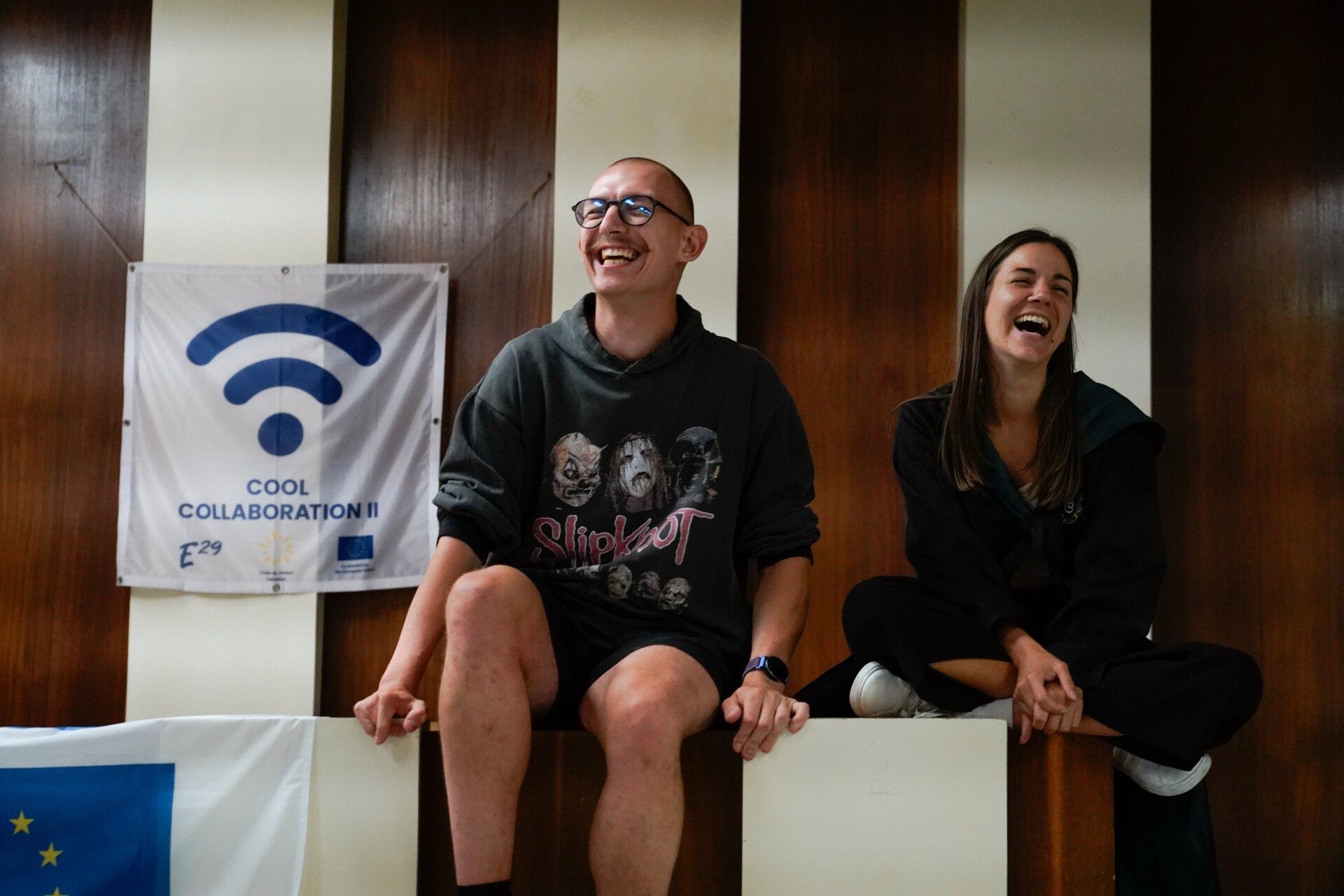 Blended Mobility
Youth Platform
Guided by mentors, participants practiced logistics and coordination, learning to manage activities with structure and creativity.
Latky, Slovakia#Cool Collaboration II#Czech Republic#czechia#Latky#Project Management -
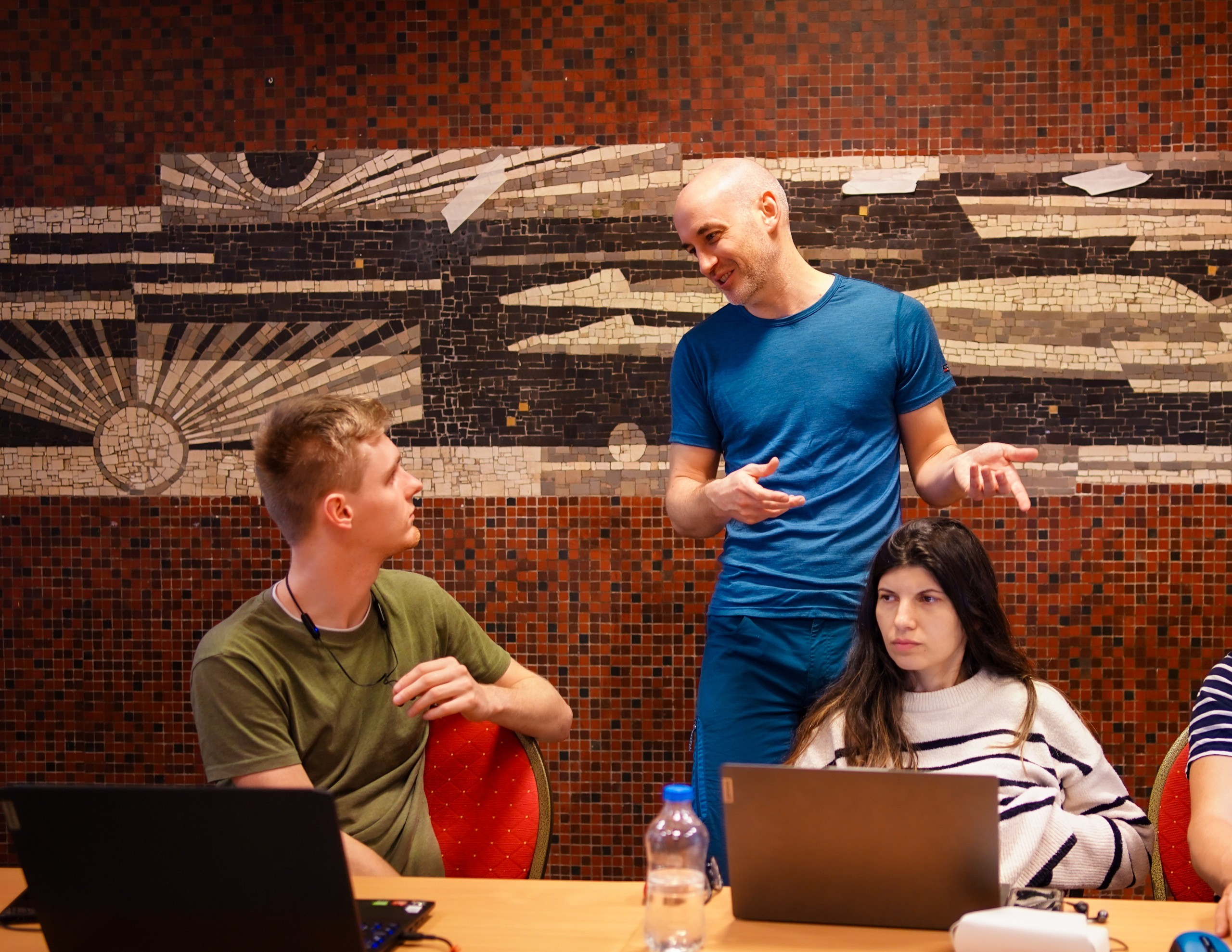 Training Course
Power Platform I
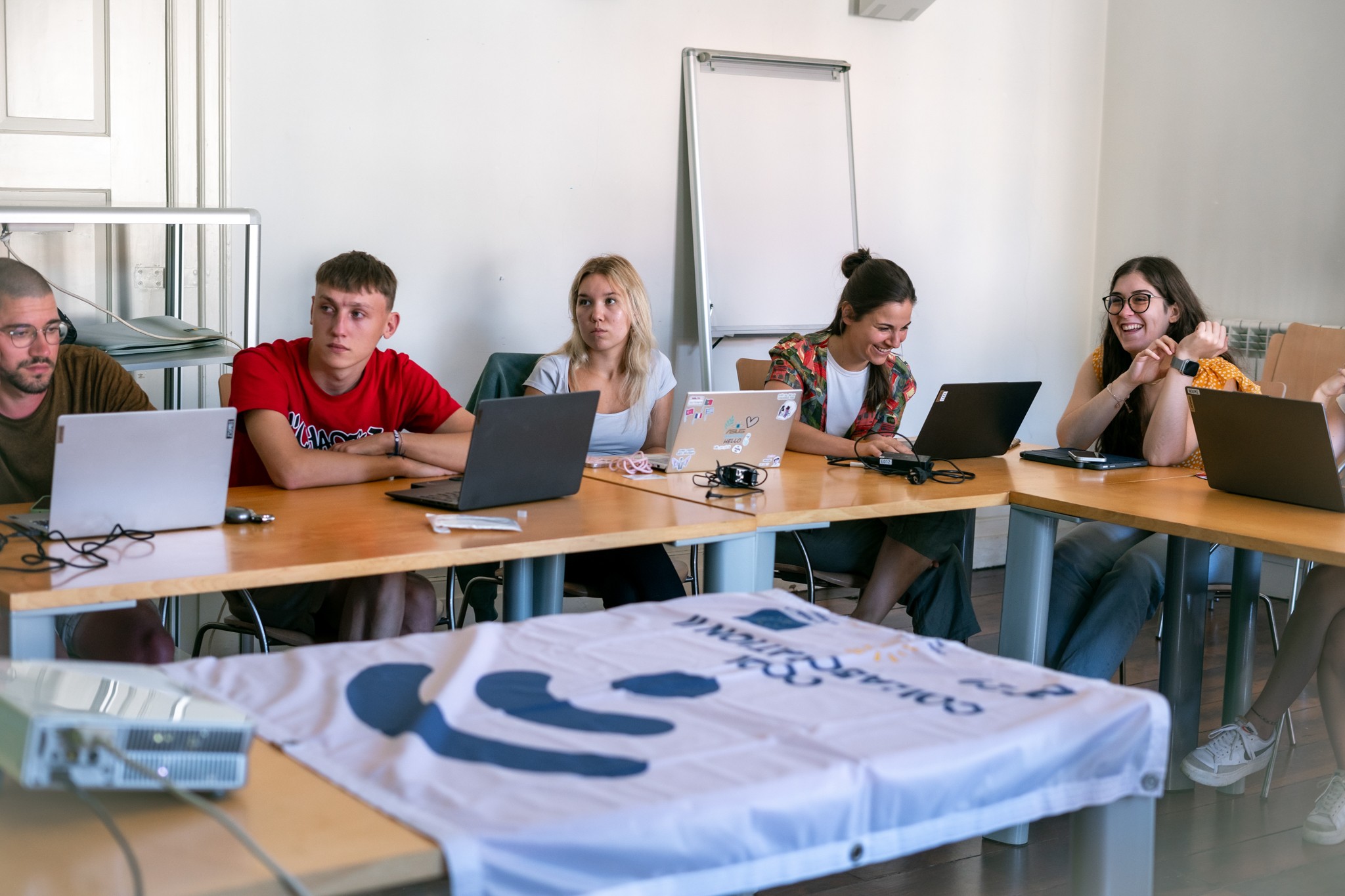
In Budapest, youth workers from four countries explored Microsoft Power Platform tools in a practical training on digital youth work.
Budapest, Hungary#Cool Collaboration#czechia#Hungary#Portugal#Slovakia -
 Training Course
Power Platform II
Youth workers in Guimarães enhanced their digital skills with advanced Microsoft tools, preparing for future projects.
Guimarães, Portugal#Cool Collaboration#czechia#Hungary#Portugal#Slovakia
Results
The project produced a series of results, starting with the full integration of Microsoft 365 and Dynamics 365 tools across the E29 network. All partners of the network are now using the same system and digital tools.
E29 Project App
Even though the system is decently complex, we have managed to improve our project management by building our own E29 Project App, a fully integrated CRM system – allowing for the shared and real-time access to all project’s relevant information, contacts and document databases. The Project App allows also the automatization in creation of documents such as Participants List and Declaration, YouthPass Import, reimbursement reports, or even more operational outputs such as Room Allocation or any other documents that rely on the stored data.
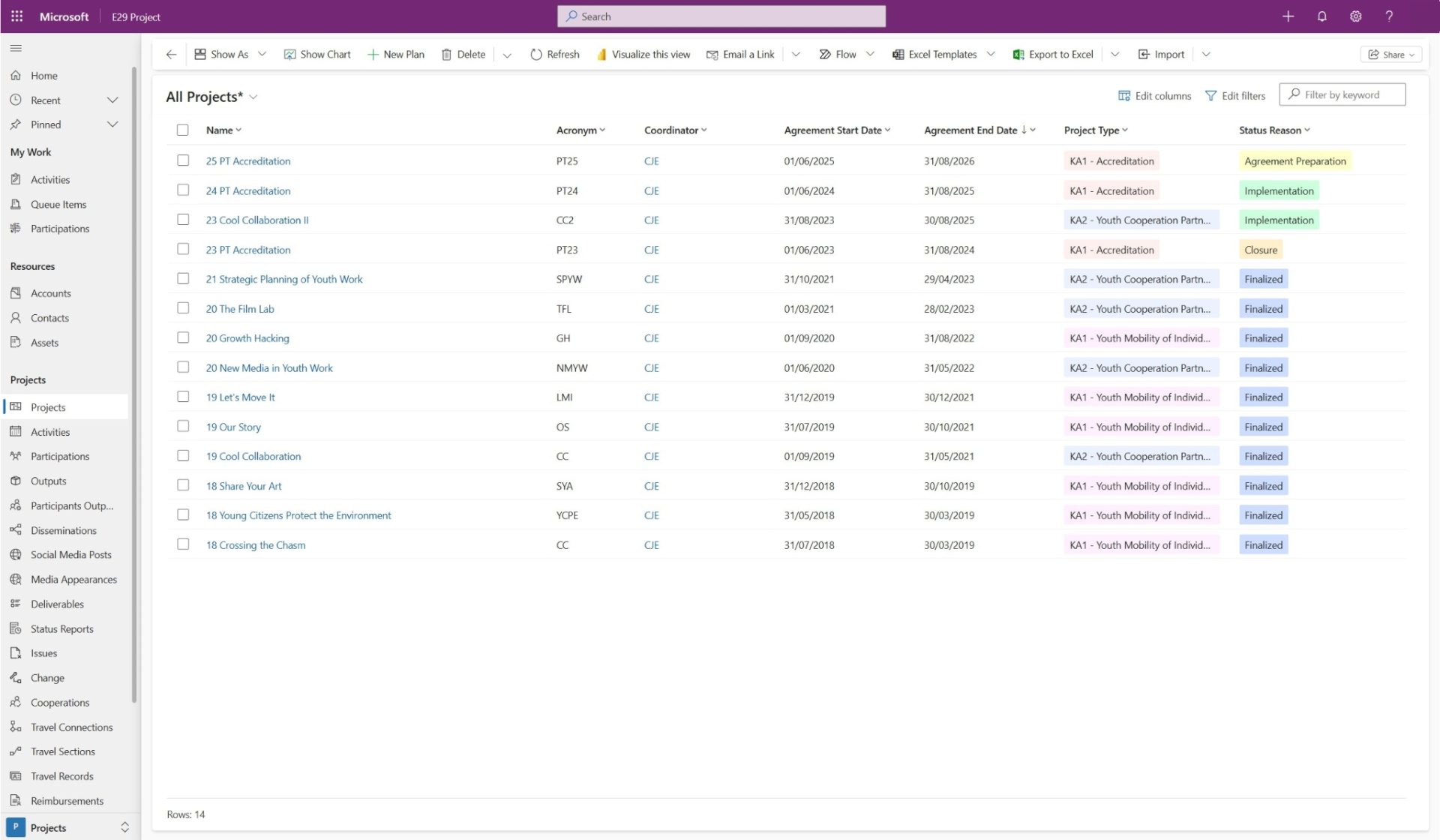
E29 App - Project table
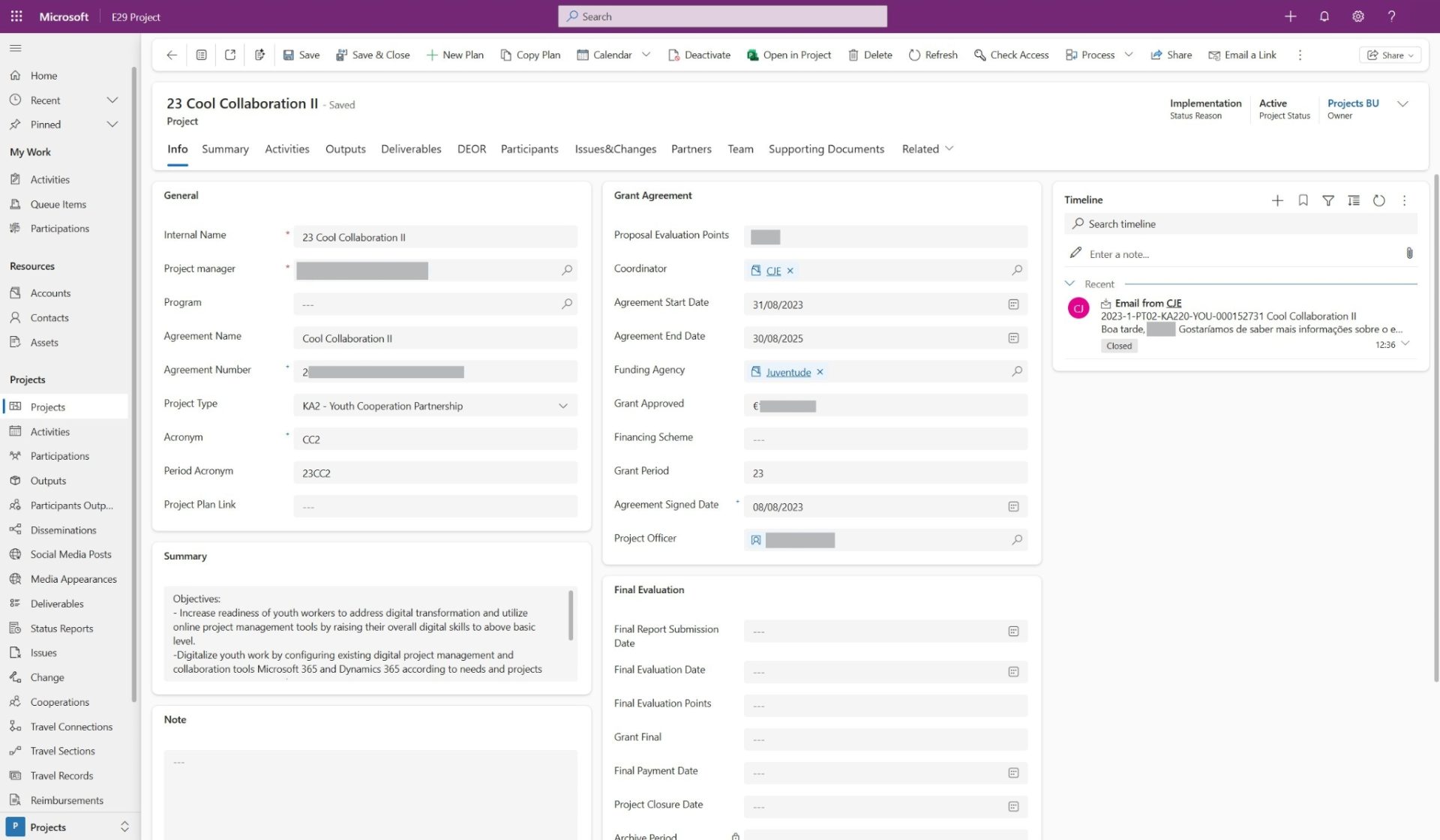
E29 App - Project Form
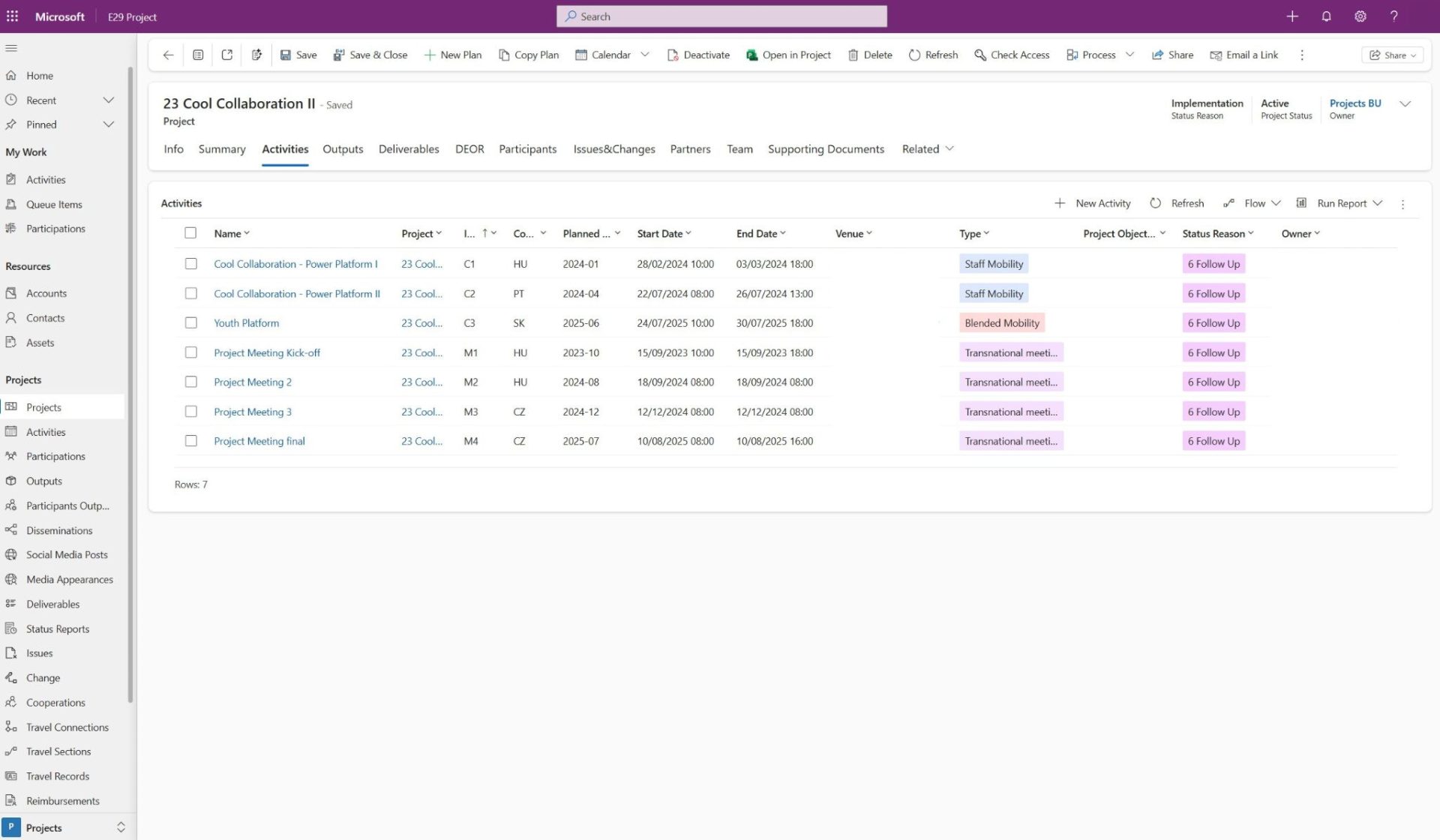
E29 App - Activities Tab
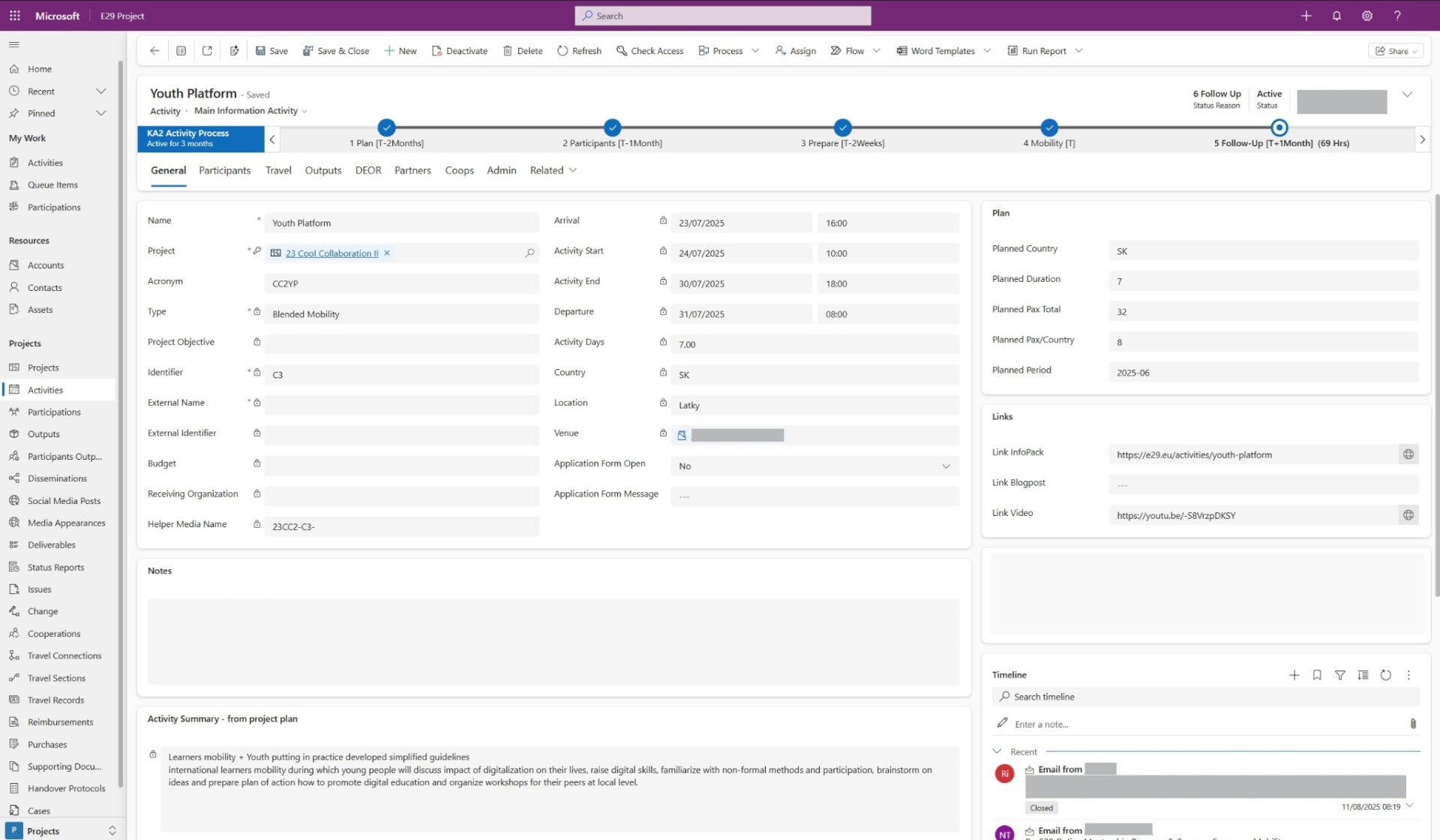
E29 App - Activity Form
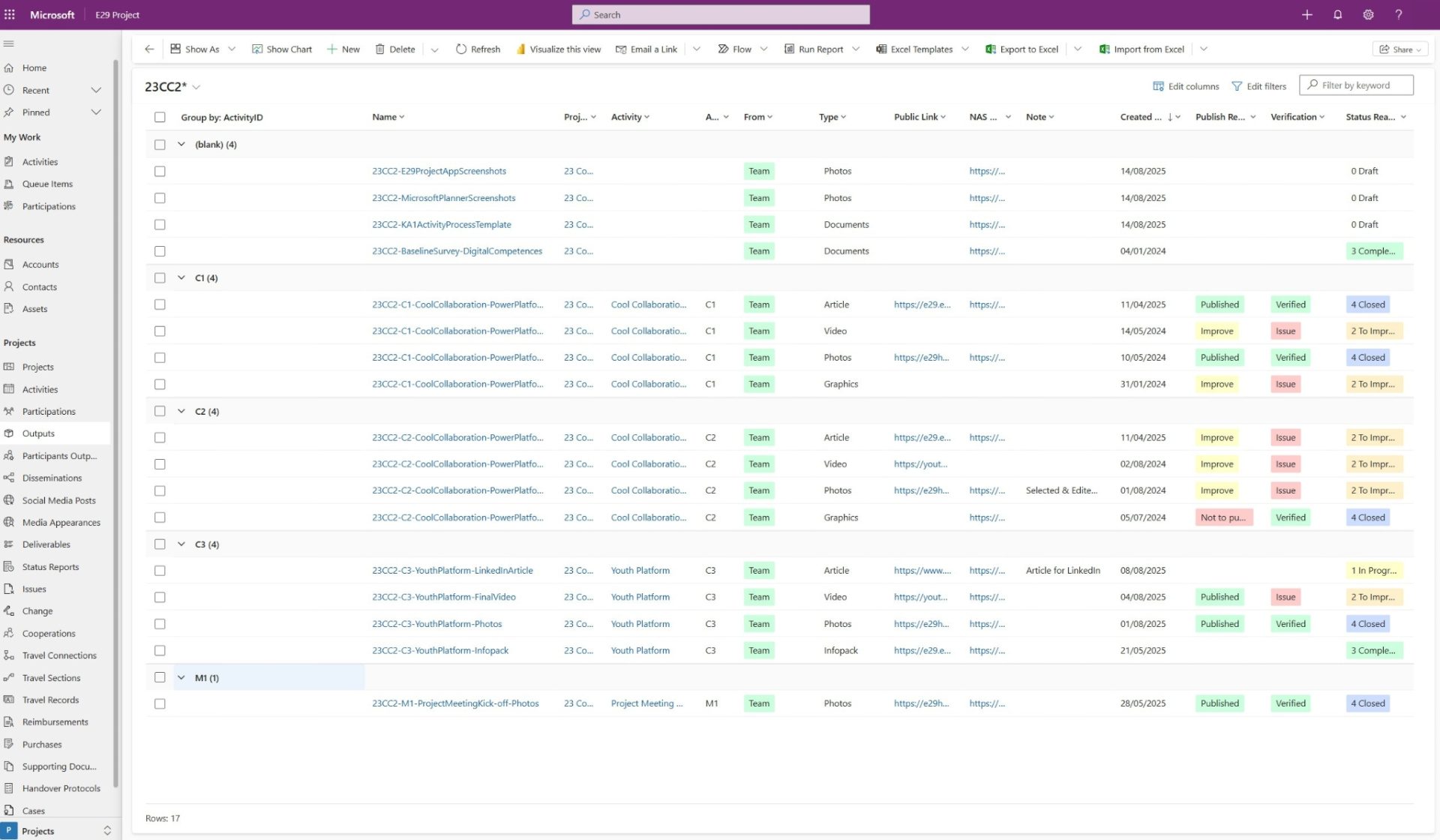
E29 App - Outputs Table
Project Management Tools – Microsoft Project and Planner
We have unified other digital project management tools such as Microsoft Project and Microsoft Planner – allowing all the partners to monitorize and track all the tasks, deadlines and milestones referring to a specific project. By standardizing the processes, creating and automatizing templates used in the implementation of our activities we have decreased the space for mistakes, for doubts, ensuring we achieve the quality standards we aim for.
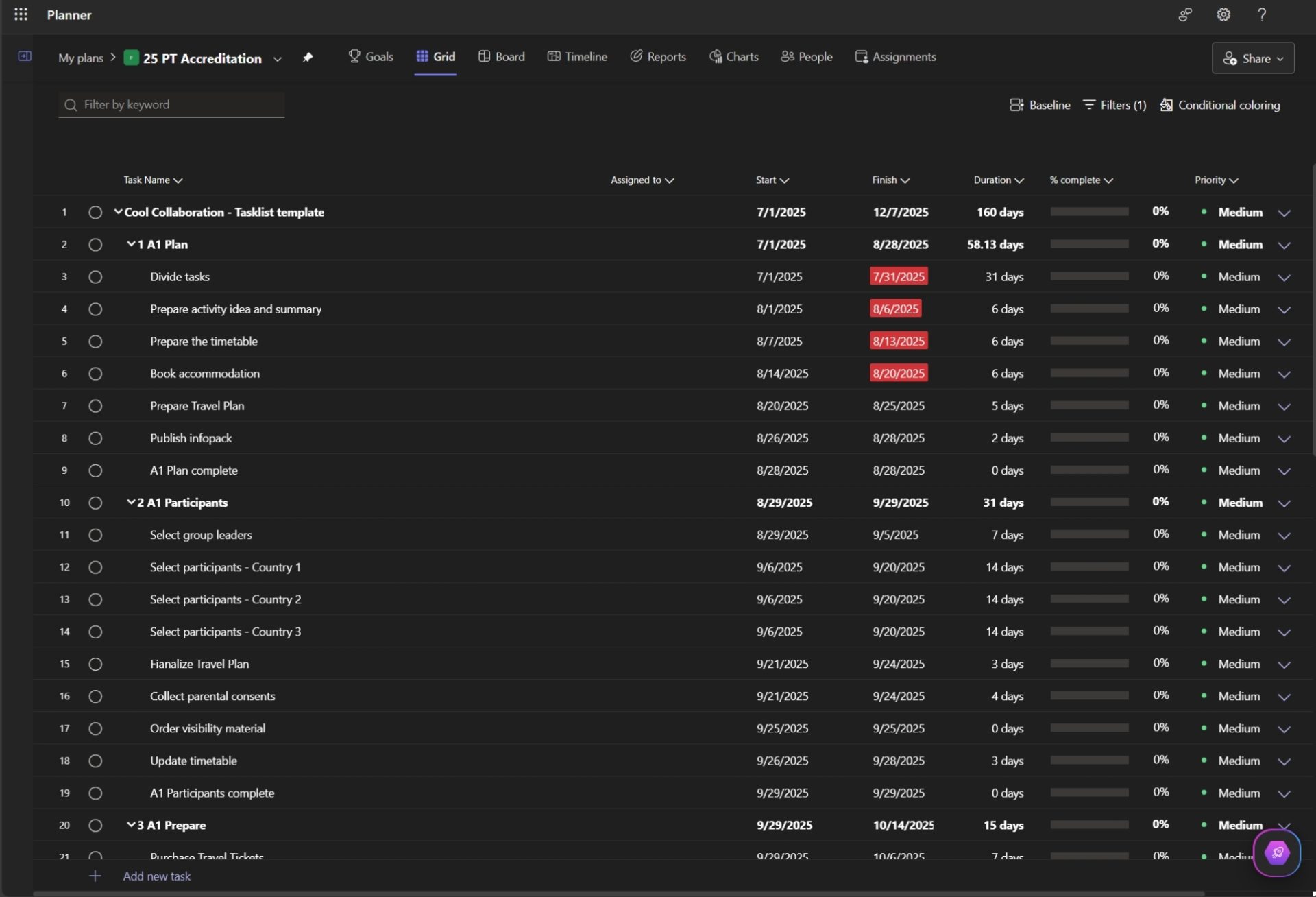
Microsoft Planner - Grid View
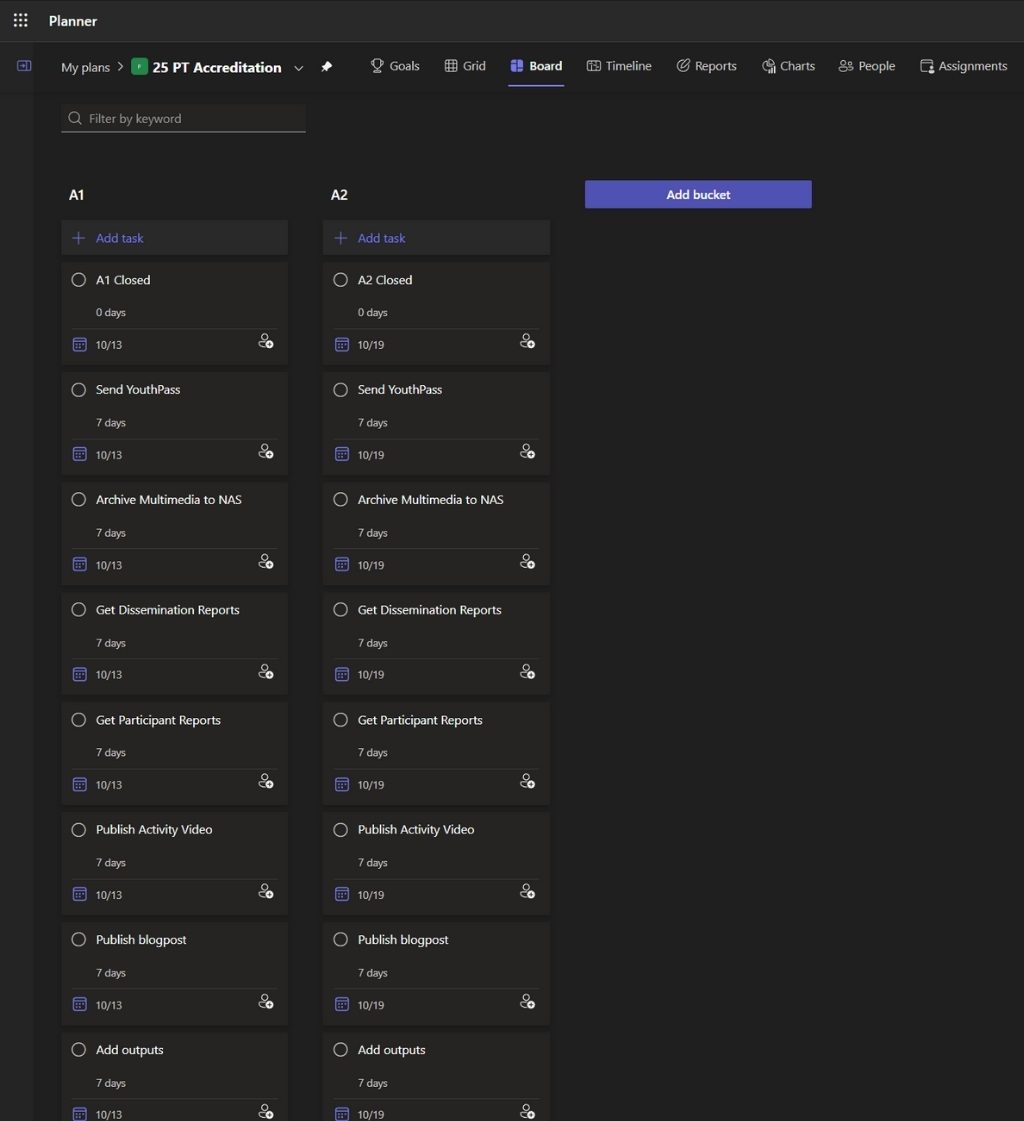
Microsoft Planner - Board View
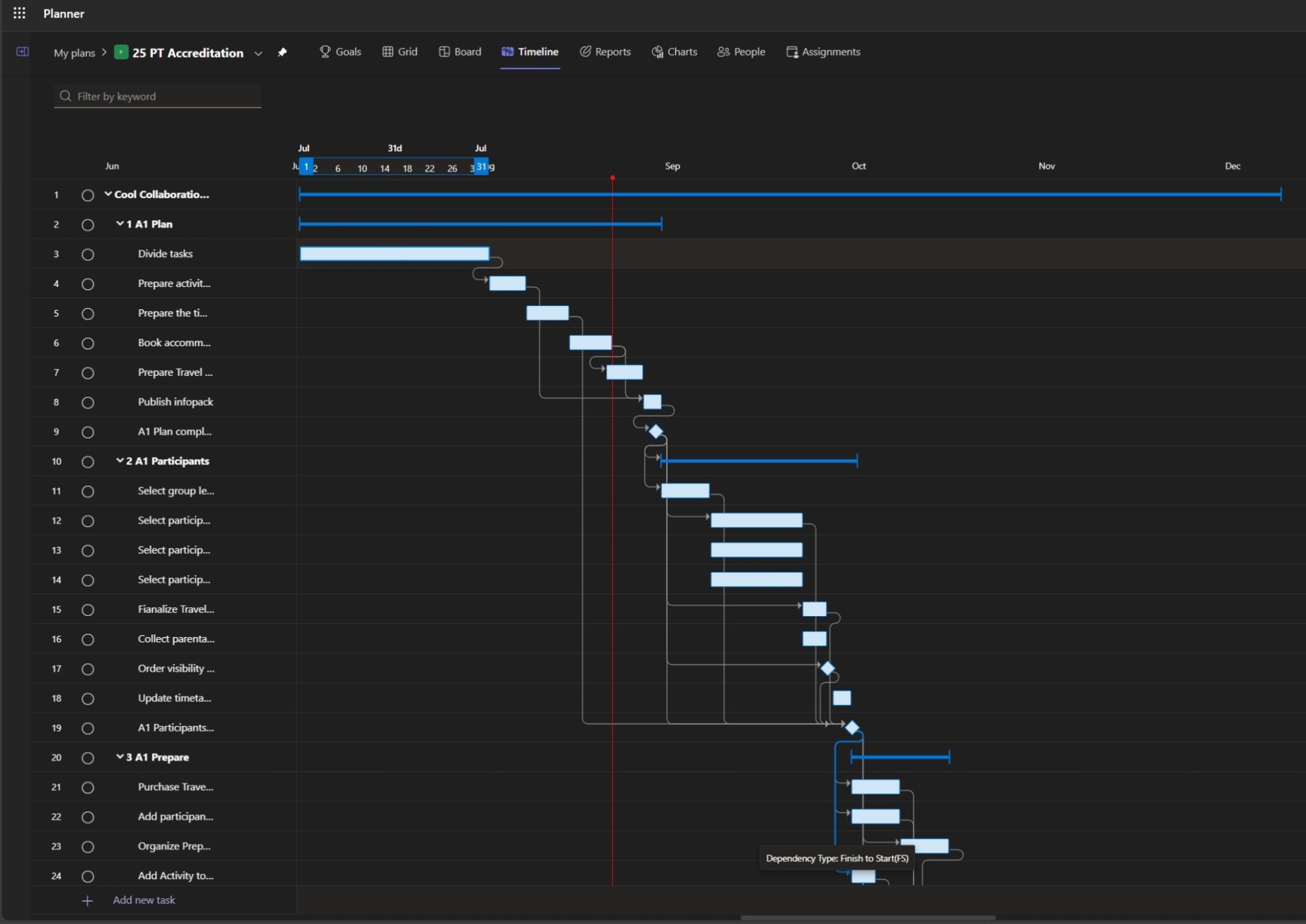
Microsoft Planner - Timeline View
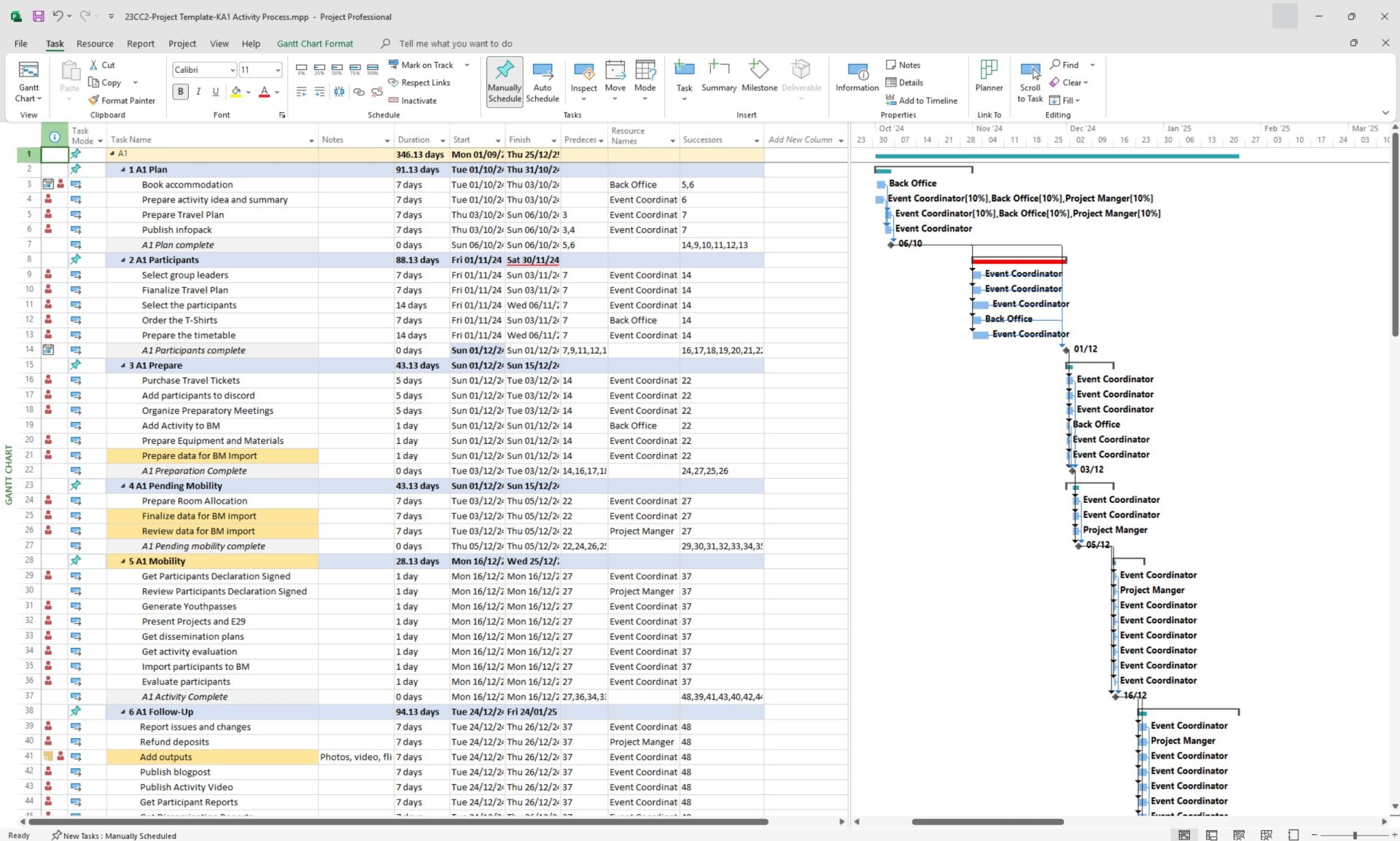
Microsoft Project
Power BI – Real-time visualization
The development of online infographics using Microsoft Power BI allows our event coordinators to do real-time assessment of the status of a project, focusing on participant selection and the statistical analysis of target group elements such as age range, gender balance and previous experience.
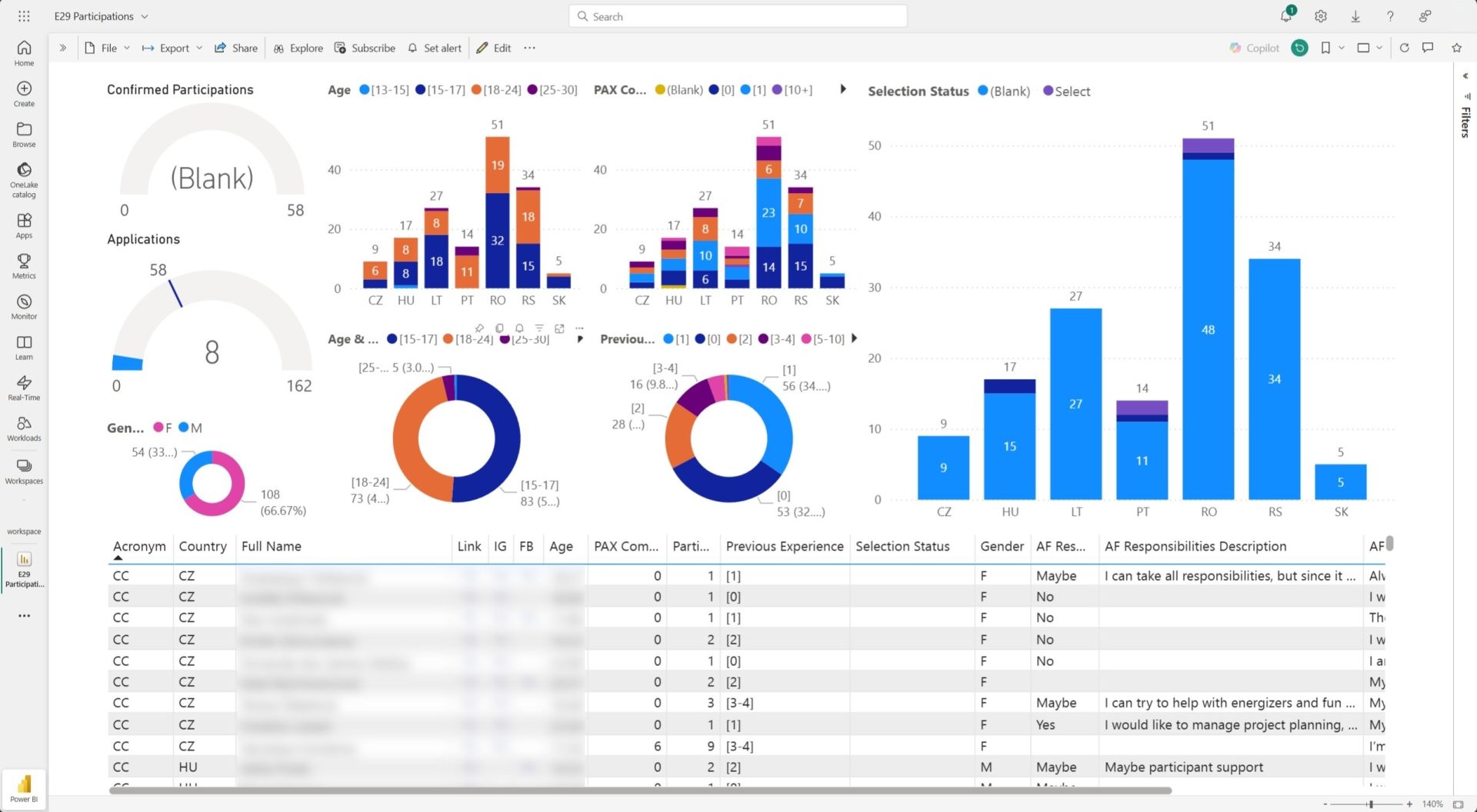
Microsoft Power Bi - KPI Checker
Guide
Project management is not easy, when combined with digital tools and procedures which need to be followed by project documentation, it might become overwhelming and demotivating to pursue. Therefore, we created a guide with simplified digital project management and collaboration procedures.
The guide aims to explain the digital tools we integrated and give step by step guidelines of the processes needed to implement a “project”, mainly youth exchange type of activities.
The guide is complemented by a series of resources used with the digital tools. These include templates to implement with Microsoft Project and Microsoft Planner as well as a compilation of tutorials about the various softwares used to develop our own digital tools during this project.
Download the Cool Collaboration II Resource Package
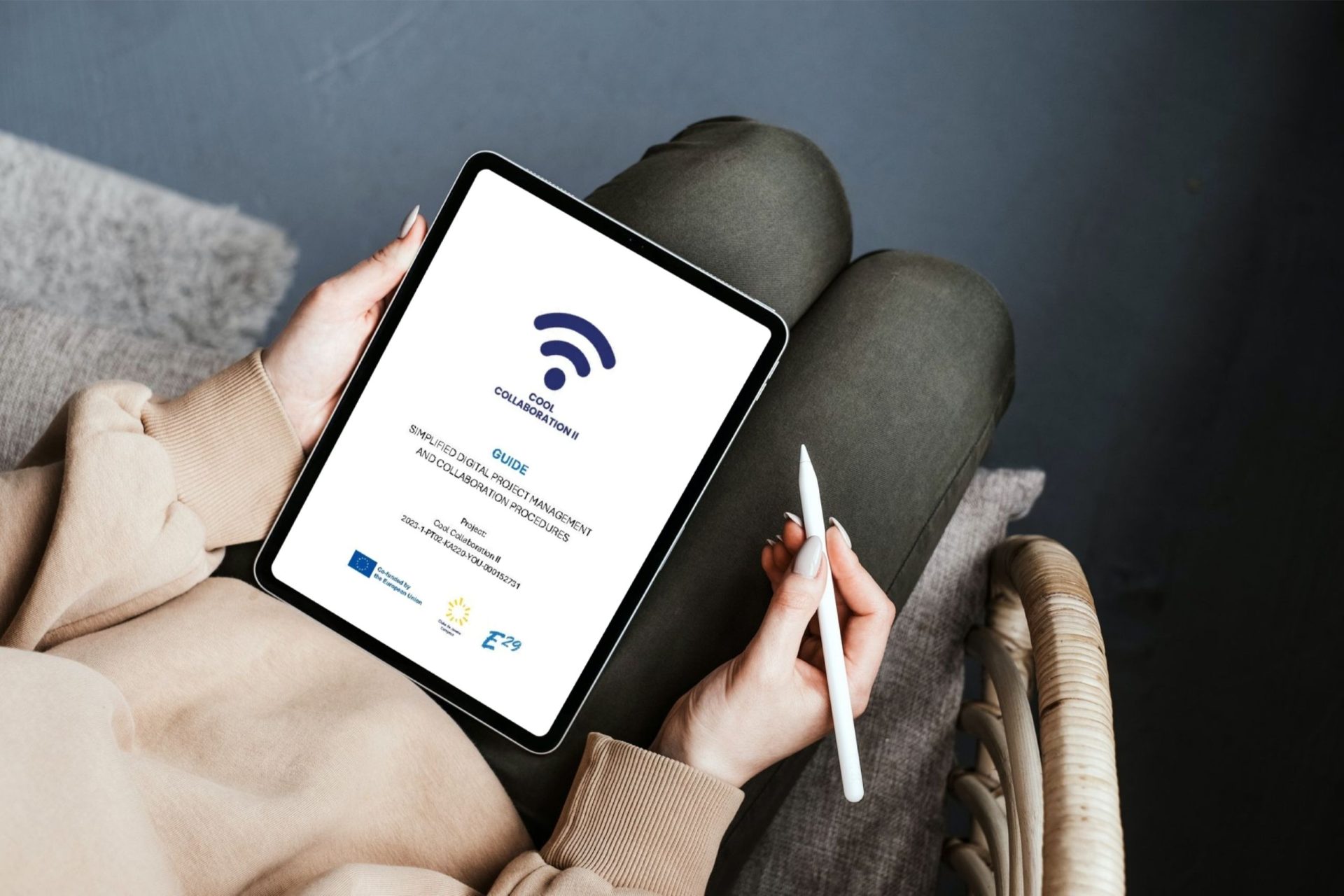
Download the Guide here
Other Resources
- Digital Skills Test — Self-assessment quiz for digital competences
- YouTube Onboarding Playlist — Step-by-step video tutorials for getting started
- Power Apps Tutorial — Learning how to build and use Power Apps
Testimonials
Our project generated impact both in the consortium organizations as well other partners of the E29 network, with organizations and youth workers implementing the project management tools and procedures designed during the project in their own youth work.
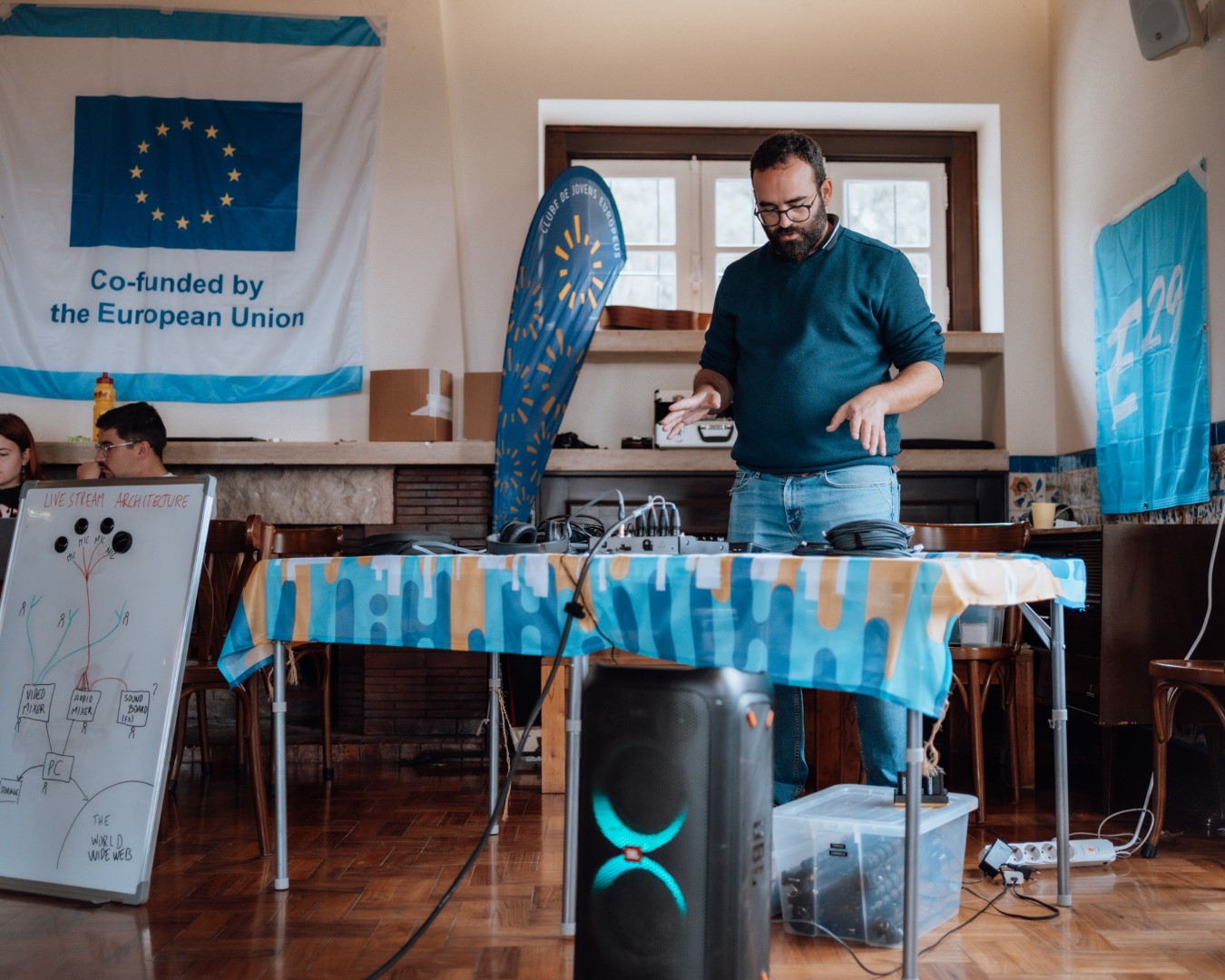
As it had been with the first Cool Collaboration, the sequel project Cool Collaboration II brought great improvements to our organization and the work of the E29 network. By keeping the focus on digitalization and the standardization of processes across the network, we have managed to bring it to a higher level and have a clearer and more transparent management. The optimization and automatization of some of the processes and tasks has also allowed us to increase the efficiency of most of the more time-consuming tasks, allowing for less mistakes, more confidence and better assessment. All this allows us to focus on what really matters, the direct work on the field, the empowerment and support of young people and building community and human connections.
Rui, Youth Worker
As a youth worker, the creation and implementation of Power Apps has raised the professionalism of our activities. It provided us with a more organized and efficient environment, opening new possibilities for collaboration and project management.
In our day-to-day work with young people, it was sometimes difficult to keep track of all the details. Now, thanks to Power Apps, everything is stored in one place, fully connected and easy to access.
Pedro, Youth Worker
Since Power Apps got integrated into my workflow, I noticed a substantial improvement in my productivity and a decrease in miscommunication with my colleagues. This tool helped me break down and see through complex problems with ease as the database is very thought-out and the user interface is easy to handle. Since it is online, the team I am a part of can work more efficiently together as we can visualize and unify the look of our work, which in turn makes the final result more understandable and precise. The tool is also customizable with filters, which speeds up the process of data-processing even further. All-in-all, I am very grateful that this tool came to life as it makes my work more enjoyable and more efficient.
Csaba, Youth Worker

Power Apps has been a huge help for me because it’s very clear to navigate and saves me a lot of time. I can organize my work much more efficiently and keep everything structured in one place, which makes my tasks flow a lot smoother.
Ema, Intern
Cool collaboration II as a project and the tools created by the team at E29, really opened up my eyes to the endless possibilities of digital communication and collaboration. It helped me and my organization to improve procedures and bring efficiency to our youth work.
Many thanks for all the support, for the great ideas and for letting us at ASEY network benefit from this great project.
Dan, Youth Worker
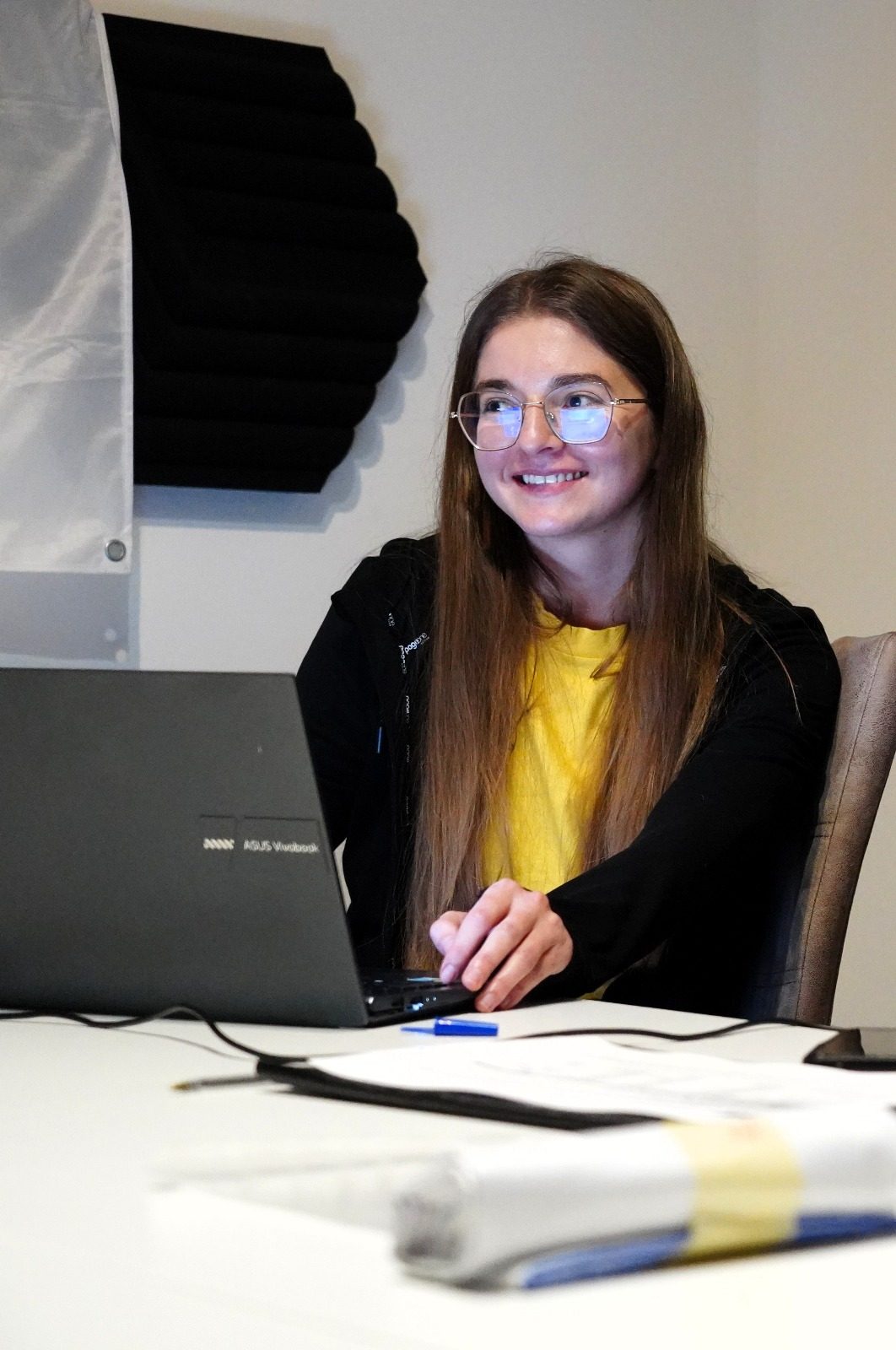
Cool Collaboration II was quite an eye-opening experience for me as a youth worker. Before this project, project management often felt messy and time-consuming but learning how to use CRM tools improved the way I work.
With the support of the team, I discovered how Microsoft 365 and Dynamics 365 can make planning, communication, and reporting so much easier. Suddenly, what used to take hours now takes minutes, and everyone in the team can stay connected and on track.
What I realized through this project is that it wasn’t just about the tools, but about discovering a new way of working together. Digital solutions helped reduce time spent on procedures, cut down mistakes, and created more space for creativity and real youth participation.
Thanks to Cool Collaboration II, I think I am more efficient and better equipped to support young people. It gave me the skills to focus on what matters most, building meaningful and exciting projects for youth.
Andreea, Youth Worker
Digital collaboration was never our strong point but by I took the chance and decided to try out the tools and procedures of Cool Collaboration. Slowly the digital fear transformed into curiosity and later on we managed to collaborate digitally within our team and with our external partners. Power Apps is truly a wonder and I am very happy this project opened my eyes to it.
Syuzanna, Youth Worker
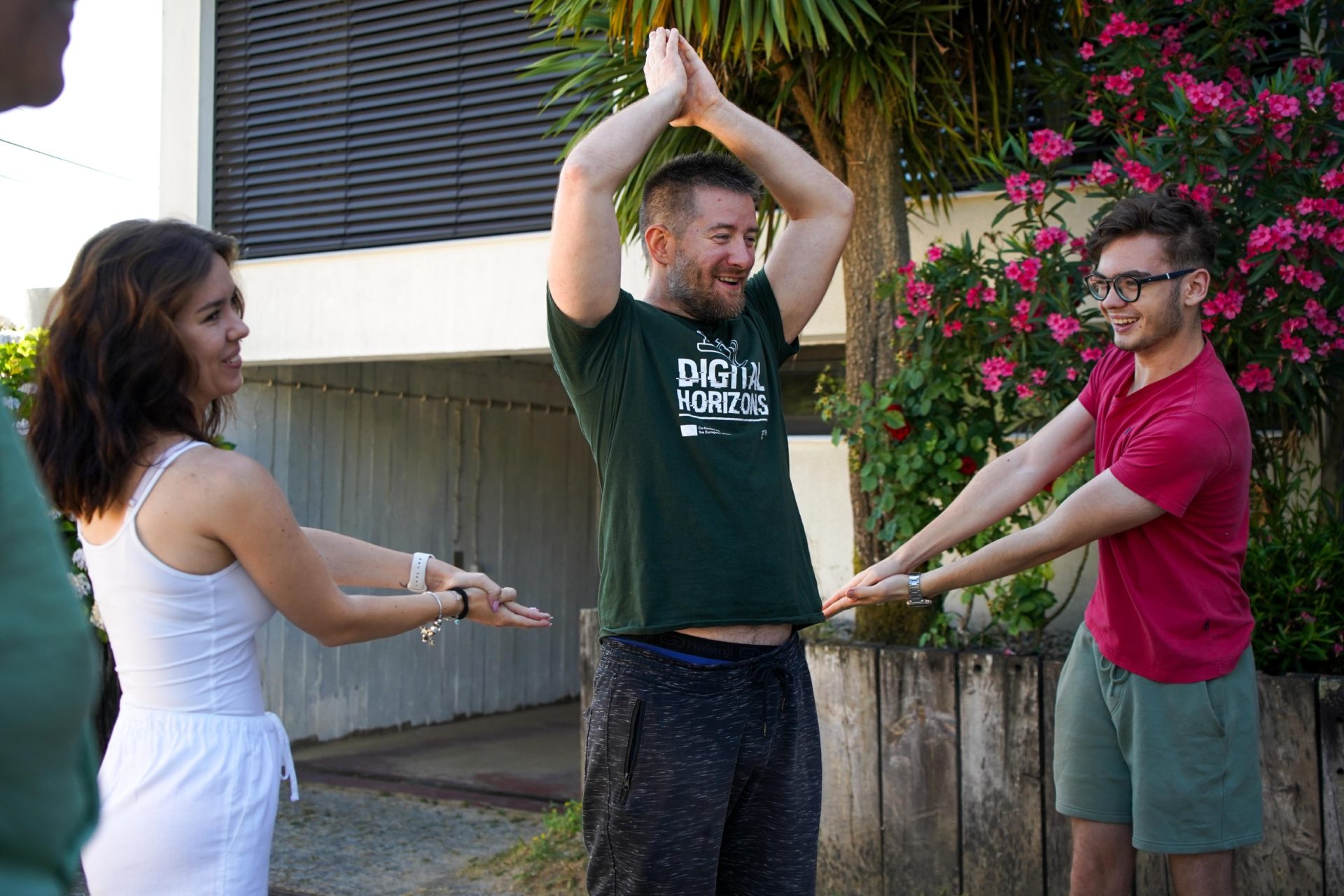
Since we started using Power Apps, my daily tasks in the back office have become much more organized and efficient. I can easily track and manage all the necessary data in one place, which reduces errors and saves me a lot of time. The platform’s user-friendly interface and customizable features make it simple to adapt to our needs, so I can focus on supporting the team instead of dealing with unnecessary paperwork. Power Apps has truly streamlined our workflow and improved the way we collaborate.
Tibor, Youth Worker

Before using the E29 power app, managing international projects felt like juggling a dozen different cloud folders. The E29 app completely changed the game for us. Suddenly, all our project information from participant details to task deadlines was in one clear, accessible place. The automation features saved us countless hours on administrative work. It didn’t just make our work more efficient, it made it more transparent and collaborative. It’s an essential tool for any modern youth organization.
Bartolomej, Youth Worker
Thanks to this project and Power Apps, now I finally know how a smooth workflow looks like – simple, effective and adjustable. It’s amazing to see how a simple tool can connect people from different places and make our work feel so smooth and organized. I cannot imagine any better tool for cooperation!
Anna, Volunteer
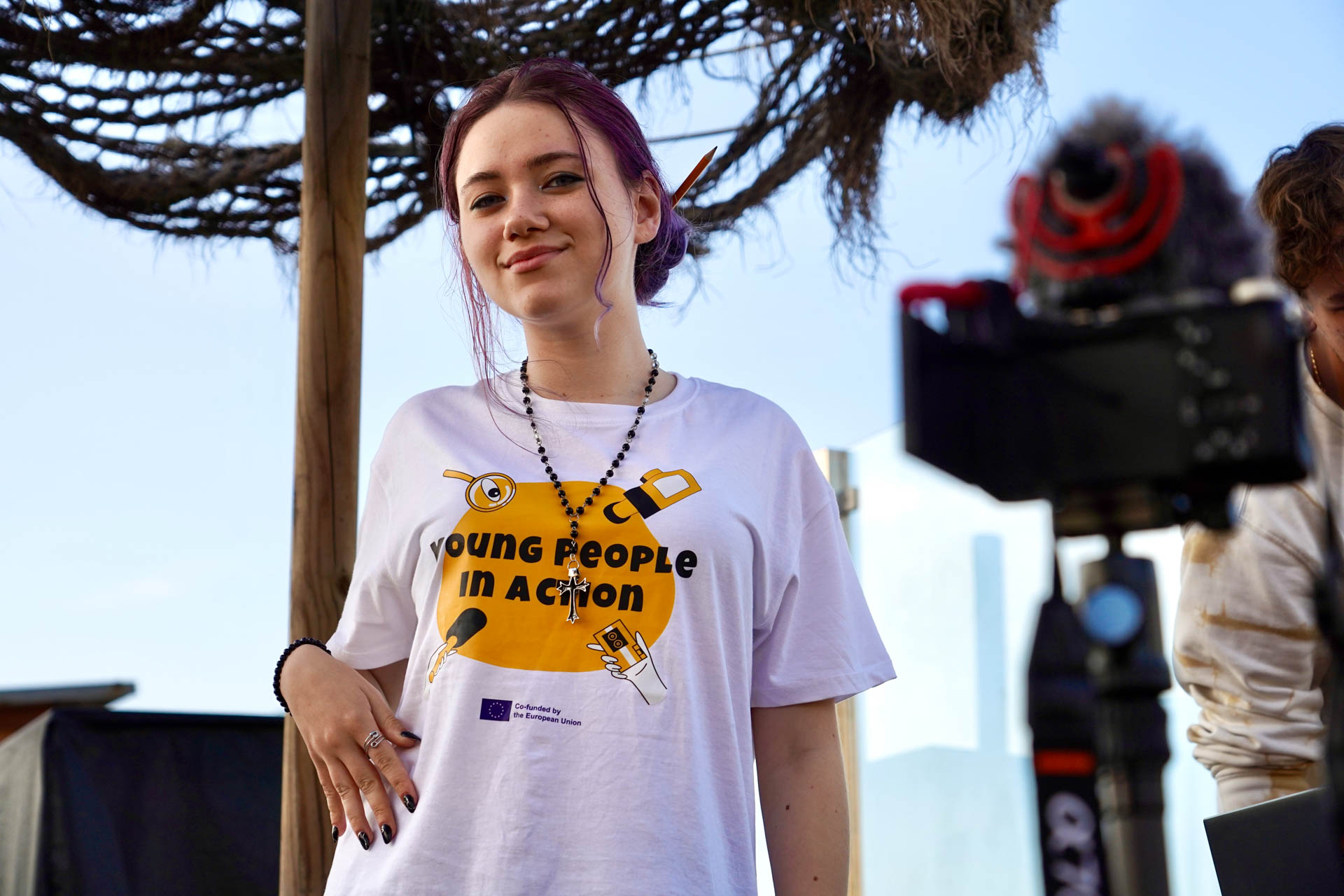
Power Apps has completely shifted the way I understand collaborative databases – the highly customizable and user-friendly interface, along with its high connectivity across platforms, has shifted my perspective, and I now regard databases not as a daunting, complicated notion, but as a comprehensive, accessible web of information!
Laura, Volunteer
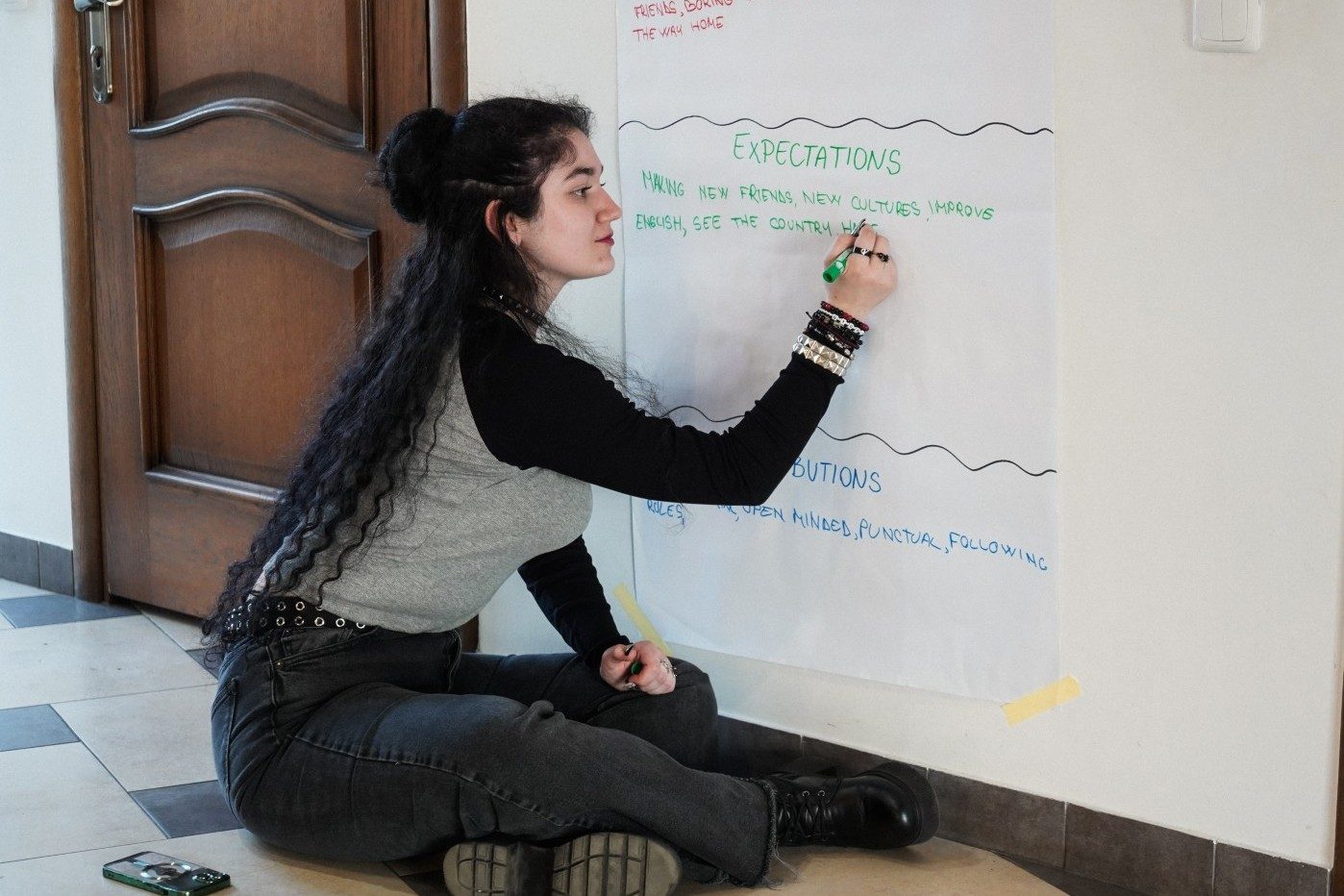
Power Apps feels less like a tool and more like a trusted companion in my work. What once seemed tangled and complicated now unfolds with clarity, like a puzzle piece snapping perfectly into place.
It transforms processes from heavy and rigid into something fluid and approachable. It gives structure to ideas without caging them, allowing efficiency and imagination to exist side by side.
I can’t help but feel grateful. Power Apps has shifted the way I build, collaborate, and dream.
Amalia, Volunteer
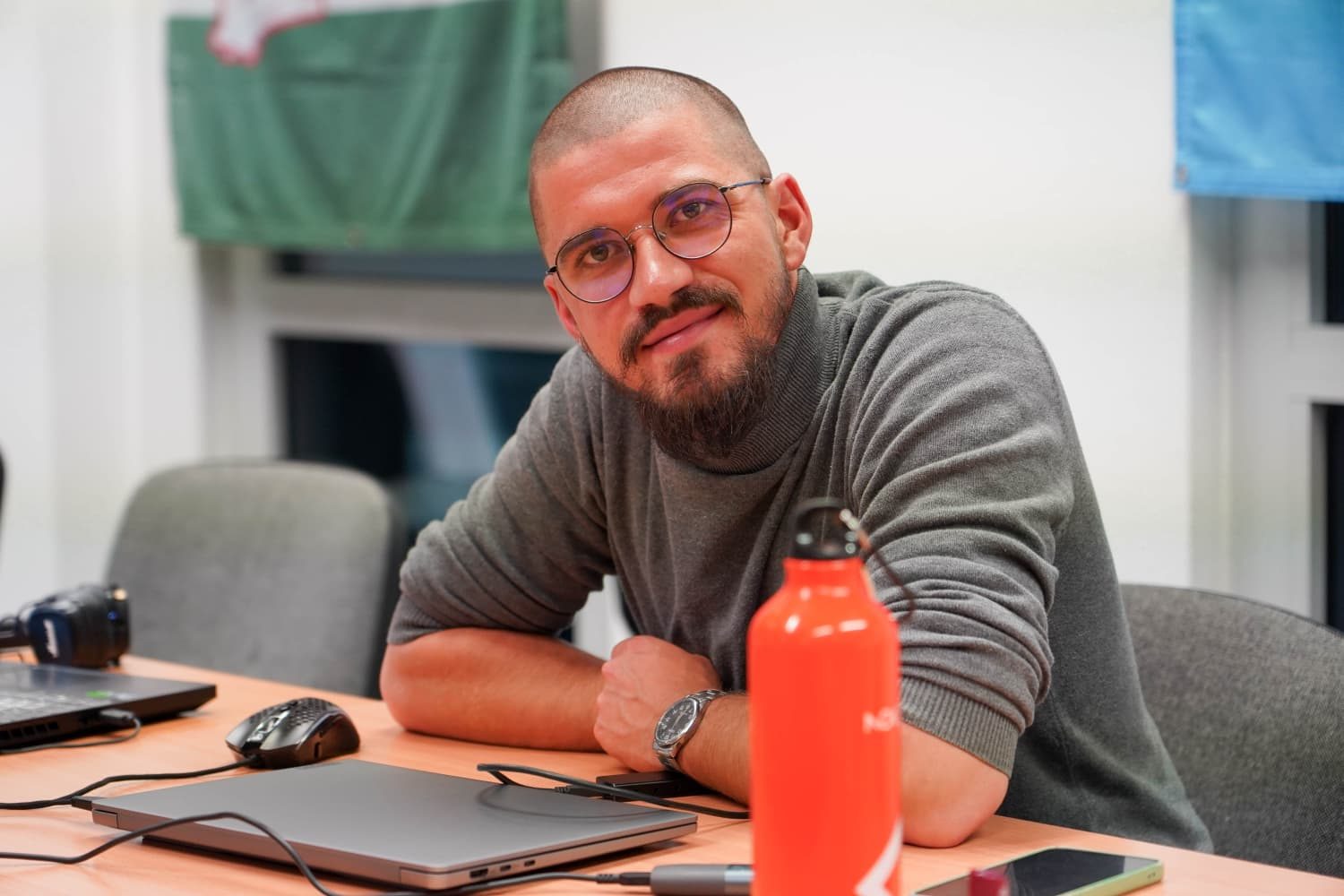
Power Apps is a real breakthrough for me because it gives us a system that’s not only flexible and user-friendly, but also transparent and easy to follow. You don’t need deep technical knowledge, yet you can bring ideas to life in no time. It simplifies workflows, saves time and takes collaboration to a whole new level.
Zsombor, Volunteer
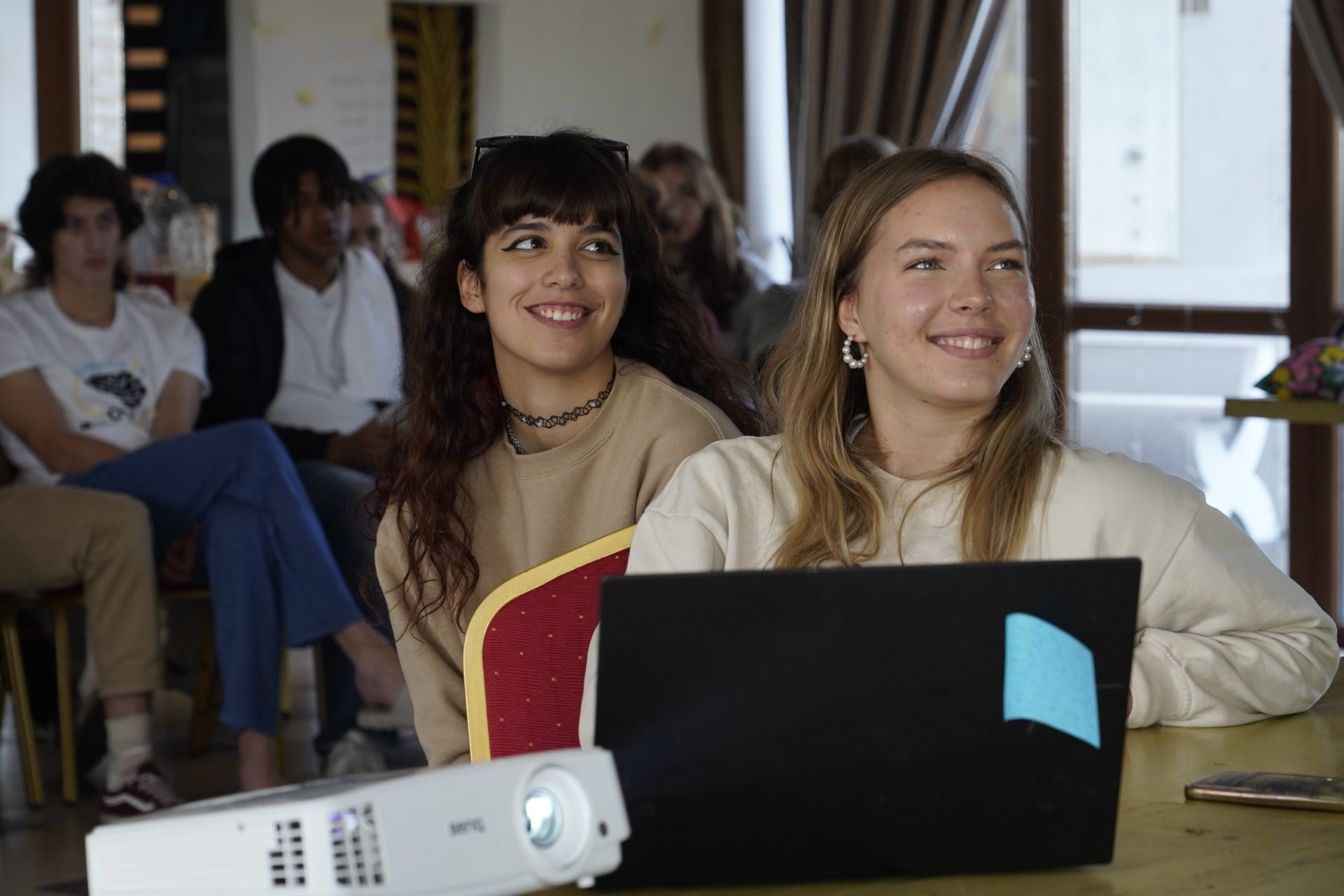
My experience with Power Apps has reshaped my understanding of what a project management tool should be. It’s intuitive, efficient, and adaptable, enabling smooth workflows and effective collaboration.
Yaroslava, Volunteer
Power Apps is honestly such a game changer. It’s super easy to use, even if you’re not a digital pro, and it also makes work so much smoother. I love how quickly you can turn an idea into something real. It saves time, keeps things simple, and honestly just makes the whole process more fun.
Mark, Volunteer